Getting started with Stata
Stata/MP

Getting started with Stata.

Download | Installation | Tips for beginners

Stata is statistical software for data science

Explore. Visualise. Model. Make a difference.

Downloading and installing Stata

When you buy your Stata licence through Survey Design and Analysis Services we can provide you with download codes so you can begin analysis of your data sooner. We can also provide you Stata on a DVD if you wish (at an additional cost).

Survey Design and Analysis Services has developed detailed guide books to step you through the download and installation process. The process differs slightly between Windows, Mac and Linux.

Windows

Install Stata on Windows

Stata for Windows runs on 64-bit Windows varieties for x86-64 processors made by IntelĀ® and AMD running Windows 10*, 8* or Windows Server 2019, 2016 or 2012*.

*Stata requires 64-bit Windows for x86-64 processors made by Intel® or AMD.

MacOS

Install Stata on macOS

Mac with Intel® processor or Apple Silicon.

  • macOS 10.12 (Sierra) or newer for Macs with Intel processors; and
  • macOS 11.0 (Big Sur) or newer for Macs with Apple Silicon.
Linux

Install Stata on Linux

Stata for Linux runs on any 64-bit (x86-64 or compatible) computer running Linux. To use the Stata graphical interface, xstata, you will need to have GTK 2.24 installed

Free resources

StataCorp's Youtube Channel

The SDAS TechTips site

SDAS TechTips

Books, web-based training and short-courses

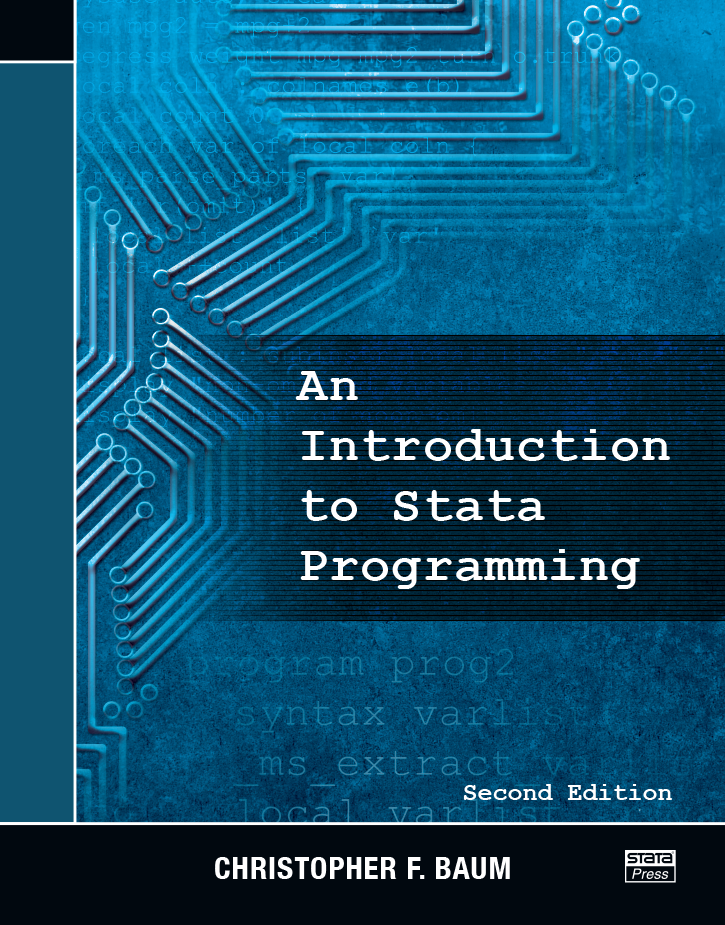
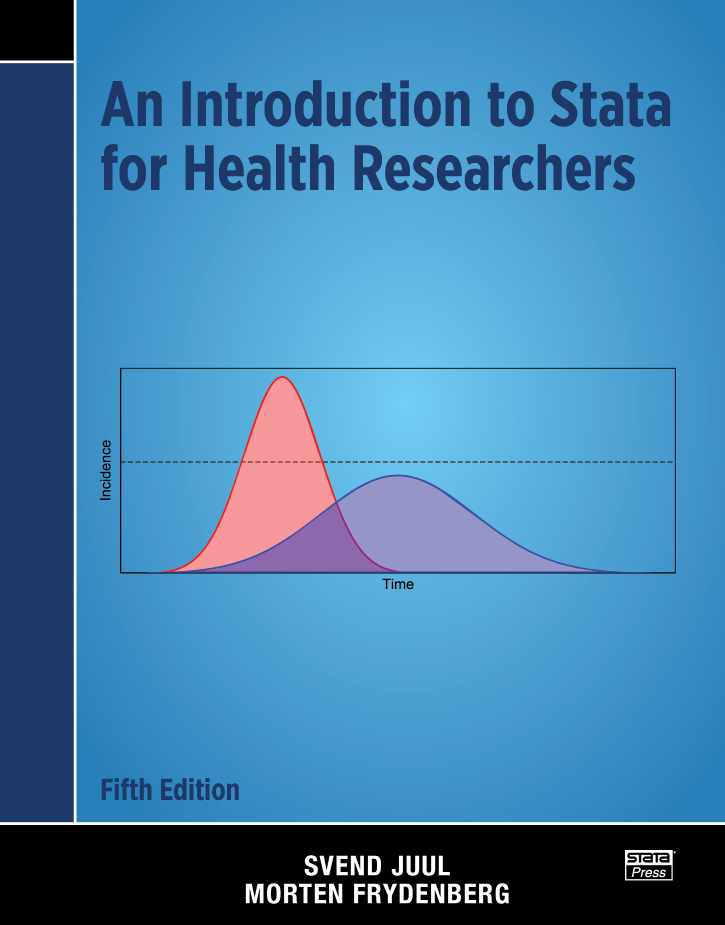
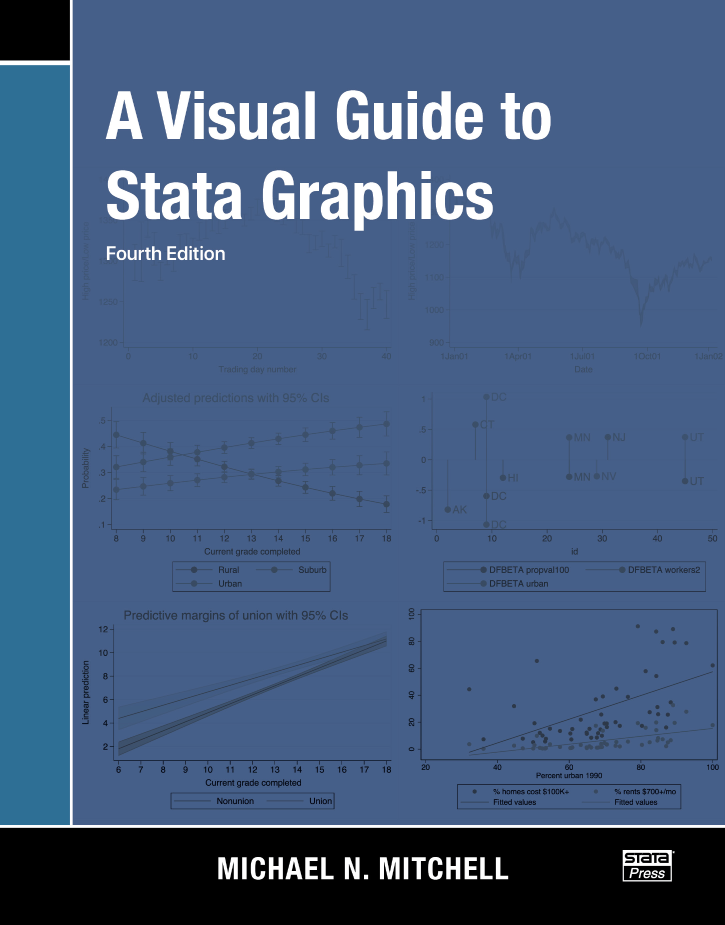
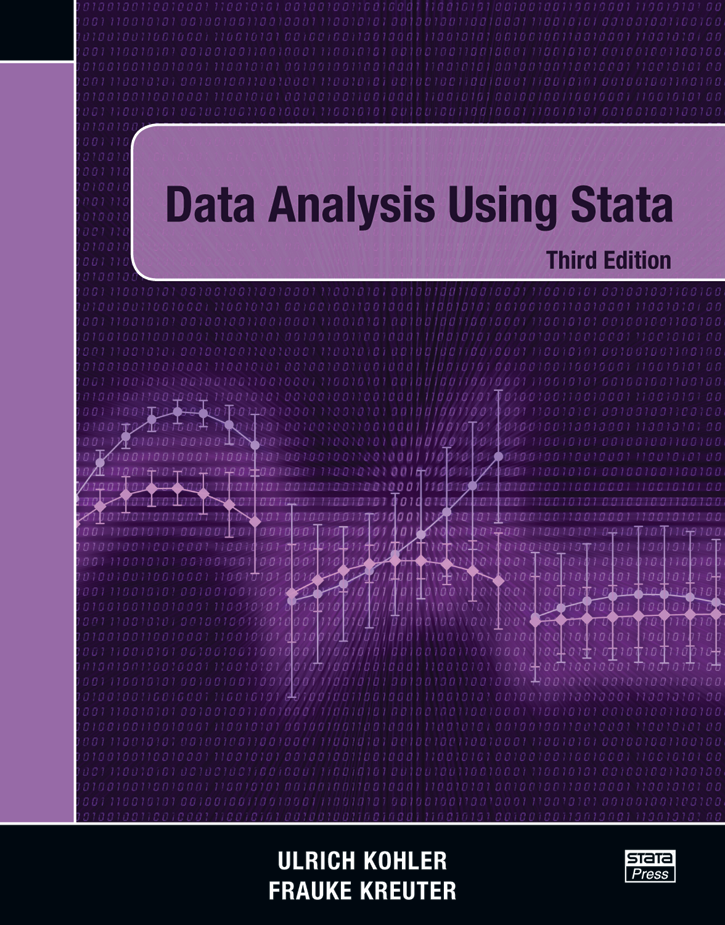
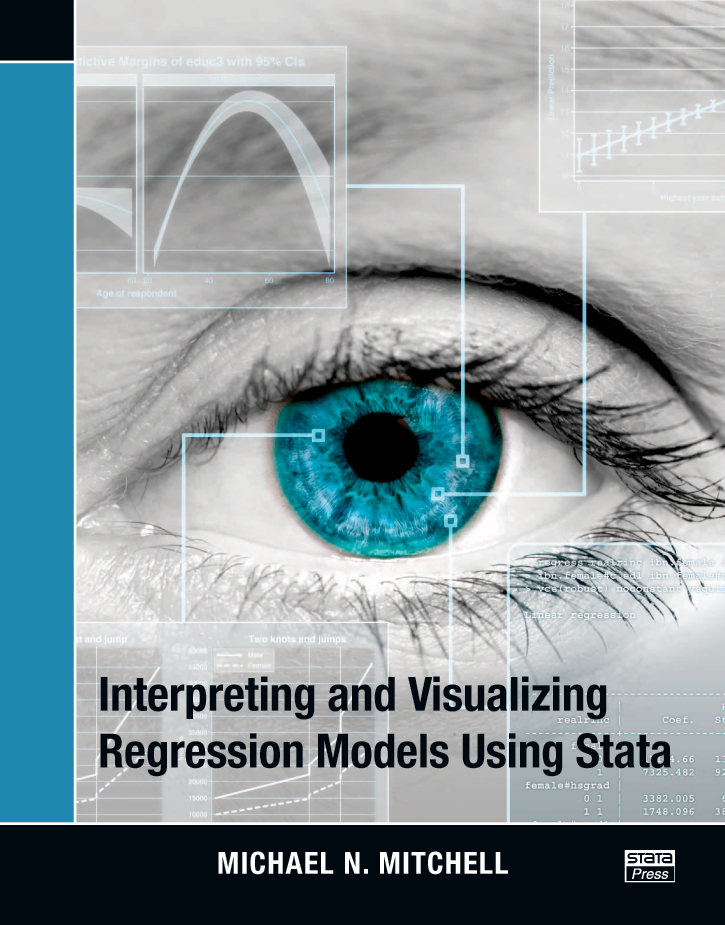
As a newbie to Stata here are a selection of books that give you a good start.

Stata's web-based training allows you to learn on your schedule.

Netcourse

In class training is regularly scheduled across the region

Classes